What are you working on today?
Your booking software, explained: guides and answers for scheduling, selling, getting paid, and building on TripWorks.
Getting Started
New to TripWorks? Set up your account, add your team, and get your first activities live.
Selling Online
Get bookings online — your booking widget, customer portal, resellers, and catalog promotion. Build the activities first under Activities & Catalog.
Activities & Availability
Build what you sell — create activities and set their ticket types, capacity, resources, waivers, and policies, then publish them.
Daily Operations
Run the day-to-day — your calendar, manifests, check-ins, and changes to booked trips.
Pricing & Payments
Set your prices and get paid — rates, deposits, gift cards, offer codes, vouchers, and tips.
Developer Hub
Build on the TripWorks booking engine: the REST API, webhooks, Zapier, AI assistants (MCP), and OCTO for resellers.
What operators read most
Prefer to watch?
All lessons at TripWorks University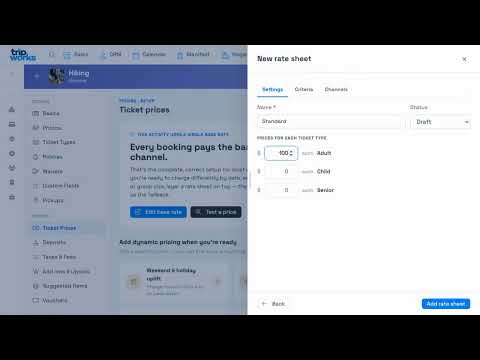 Using dynamic pricing effectively
Why demand-based pricing matters, how to build a rate sheet, and how priority decides the winner.
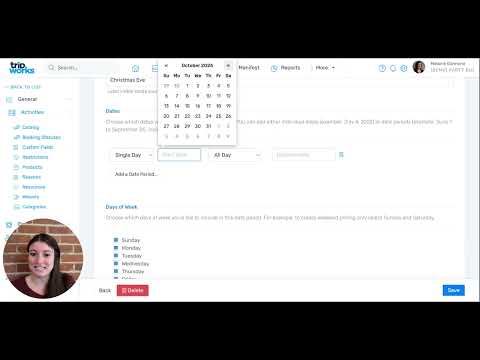 Setting up seasonal pricing
Create a season with date periods and days of the week, then apply it with a rate sheet.
 Schedule your guides in the Calendar
Assign guides, set a recurring schedule, drag to reassign, and share or print a schedule.
Still stuck?
Tell us what you're trying to do and our support team will get back to you as soon as possible.