
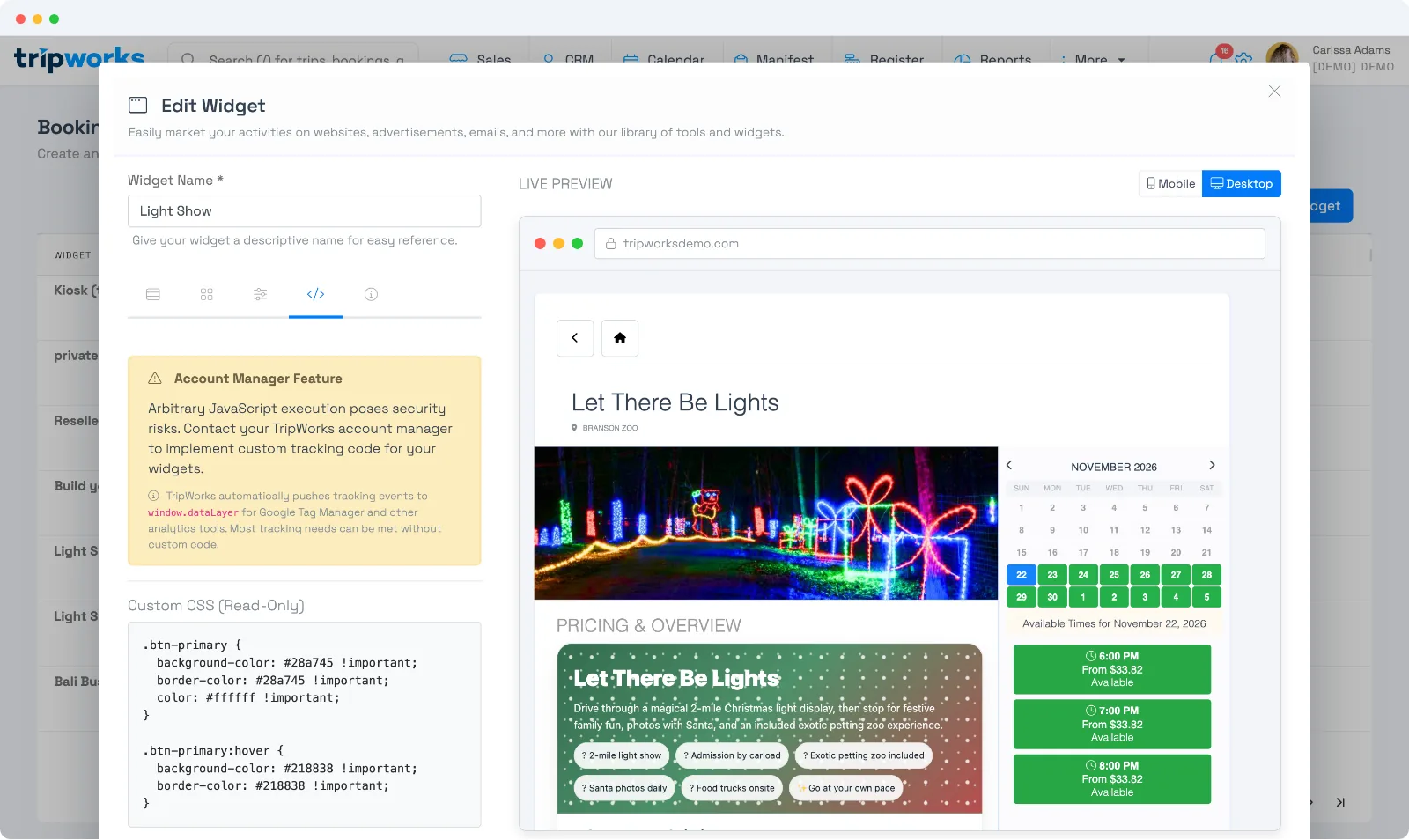
For teams that want pixel-level control, a widget can carry your own custom CSS and custom JavaScript that fires at key moments in the booking flow. Because this involves running your own code, it's an account-manager feature — reach out to your TripWorks account manager to have it enabled and edited on your widget.
In this article
Five optional things a booking widget can do: custom CSS and JavaScript on the Code tab, selling in another language, deep-linking the widget URL, and where booking attribution comes from.
Custom CSS
Add CSS to restyle the widget so it matches your site — fonts, colors, spacing, buttons. Your styles apply on top of the widget's defaults.
Custom JavaScript at each step
You can attach JavaScript that runs at four points in the booking journey:
- On load — when the widget first appears.
- On view item — when a guest opens an activity.
- On add to cart — when they add something to their booking.
- On conversion — when a booking is completed.
Each hook receives a data object about what just happened — including the confirmation code, total, subtotal, currency, the widget's name and ID, the marketing UTM values, and the landing/referral URL. That makes it easy to fire your own analytics or advertising events at exactly the right moment.
If you use Google Tag Manager, you may not need custom code at all: TripWorks automatically pushes booking events (widget load, view item, add to cart, purchase) to your page's dataLayer for GTM to pick up.
Frequently asked questions
Is custom code available on my account?
Custom CSS/JavaScript is an account-manager feature because it runs your own code in the widget. Contact your TripWorks account manager to enable it and add your code.
What information does the conversion hook receive?
A data object with the confirmation code, totals and currency, the widget name/ID, the UTM source/medium/campaign/term/content, and the landing and referral URLs — enough to attribute and report the booking in your own tools.
Do I need custom JavaScript to track conversions?
Usually not. TripWorks fires GA4, Google Ads, and pixel conversions for you when they're set up, and pushes events to your GTM dataLayer. Custom JS is for cases those don't cover.
Can I replace the generic background image on the booking widget?
Yes, through custom CSS — there's no upload field for it, so it's set with a CSS rule targeting the widget's background, the same account-manager feature described above. Ask your TripWorks account manager to swap it for an image of your own activity.
Related
Built for attractions, tours & activities
Make it unmistakably yours
See how attractions, tours, and activities tailor their booking widget to their brand on TripWorks. Book a demo and make the switch.