
Connect Google Ads and TripWorks reports each completed online booking as a conversion — so Google Ads can tie your spend to real bookings and revenue, and optimize toward the campaigns that actually fill your calendar.
In this article
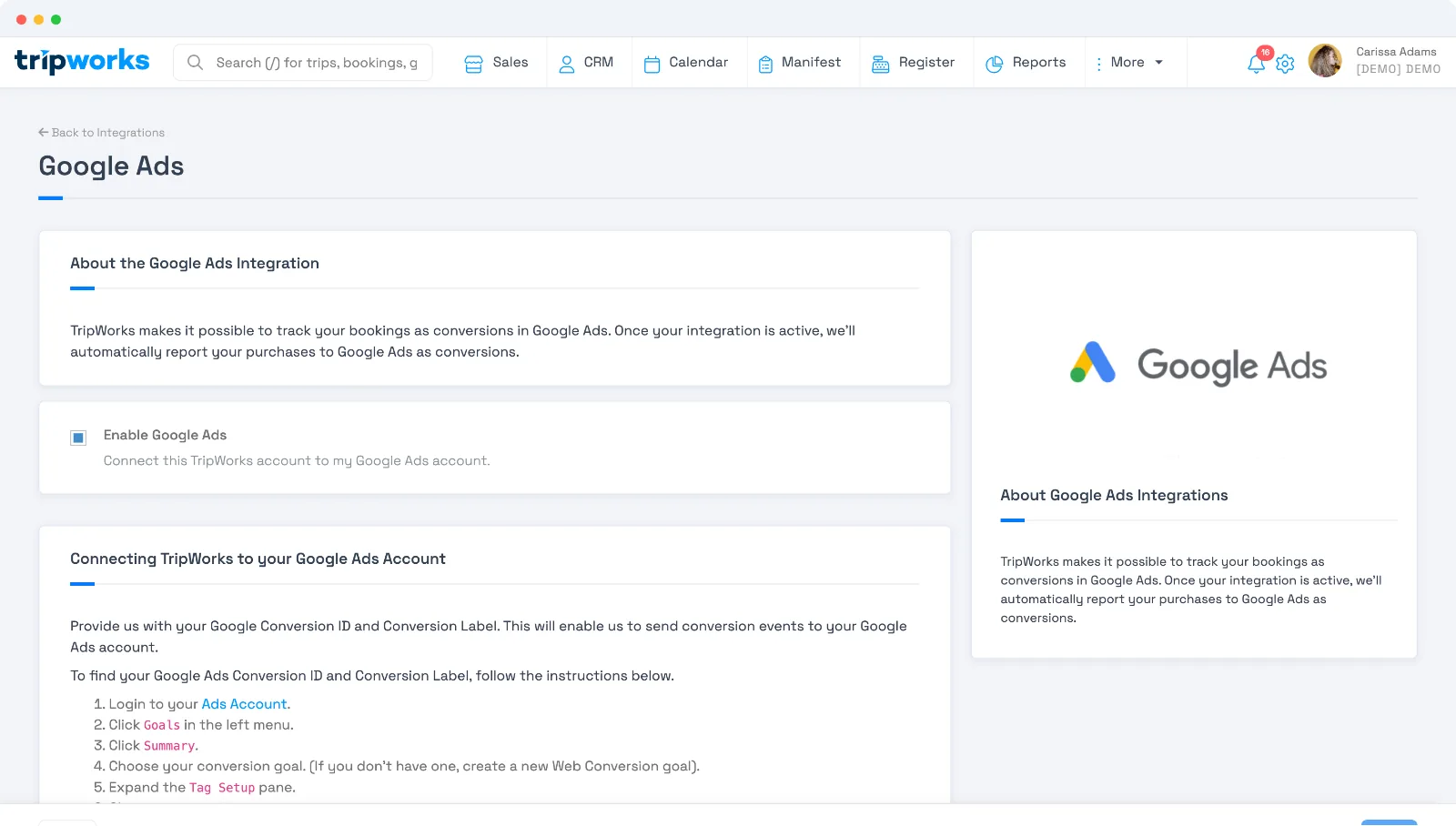
Connect Google Ads
- Go to Setup Integrations and select Google Ads.
- Enter your Conversion ID (from Google Ads, in the form
AW-XXXXXXXXX). - Enter the Conversion Label for the conversion action you want to record.
- Activate the integration.
How it works
When a guest completes a booking online, TripWorks fires a Google Ads conversion with the booking's value and currency, tagged to your Conversion ID and label. As with Google Analytics, conversions fire for online guest bookings only — staff and point-of-sale bookings don't report, keeping your ad numbers to true online sales.
Test and troubleshoot with Debug Mode
Google Ads' own dashboard can take 24–48 hours to show a new conversion, so it's a poor way to check whether tracking is actually working right now. Use Debug Mode instead to watch the conversion event fire in real time:
- Go to Setup Integrations and select Google Analytics. Check Debug Mode and save.
- Open Google Analytics and go to DebugView under Admin.
-
Log out of TripWorks, then complete a real booking on your live domain (not a
.stage.URL). Both conditions matter: if you're logged in, or testing on staging, the conversion script doesn't run at all — TripWorks even shows an on-page warning telling you to log out and try again. - Watch DebugView. You should see the conversion event, with your booking's confirmation code and value, arrive within a few seconds.
If nothing shows up in DebugView, the most common causes, in order: you were still logged in when you booked, an ad blocker or privacy extension on your test device silently blocked the tracking script (there's no error when this happens, it just never sends), or the Conversion ID/Label doesn't match what's in Google Ads.
Frequently asked questions
Where do I find my Conversion ID and Label?
In Google Ads, create a conversion action for a website purchase. Google gives you a Conversion ID (AW-…) and a Conversion Label — paste both into the integration.
Do offline or staff bookings count as conversions?
No. Only online guest bookings fire a conversion, so your Google Ads data reflects online sales rather than register or back-office bookings.
I ran test bookings and nothing shows up as a conversion. What's wrong?
Almost always one of two things: you were logged into TripWorks when you completed the test booking (conversions only fire for logged-out guest checkouts, and TripWorks shows an on-page warning about this), or you tested on a staging URL, which is deliberately excluded from reporting. Turn on Debug Mode and watch Google Analytics DebugView while you test logged out on your live domain — see "Test and troubleshoot" above.
Why does Google Ads still show 0 conversions even though Debug Mode shows the event firing?
Google Ads' dashboard can lag 24–48 hours behind real activity. If Debug Mode confirms the conversion event is sending correctly, the tracking itself is working — give the Google Ads dashboard time to catch up.
Related
Built for attractions, tours & activities
Spend on ads that actually book
See how attractions, tours, and activities prove ad ROI with TripWorks conversion tracking. Book a demo and make the switch.