
Minors usually need different waiver language and a guardian's signature. TripWorks handles this in two ways: a single waiver can give minors their own body and collect guardian details, or you can assign a separate parental consent waiver to your Minor ticket type. This article covers both.
Give minors a separate waiver body
A waiver's Settings tab has a Use the same waiver body for adults and minors toggle. Leave it on when your legal text covers everyone. Turn it off to give minors a second body — for example, consent language a parent or guardian agrees to on the minor's behalf.
The Ages setting on the same tab checks the date of birth a signer enters. It has two rules: adults must be at least a minimum age to sign, and minors must be between a minimum and maximum age. Whether a signer gets the adult or minor body depends on the waiver they open (the ticket type decides which one), not on this setting.
The check only applies when Date of birth is turned on for that signer type on the Guest fields tab. If the date of birth falls outside the rule, the signer sees a message on the date field and can't sign. For example, an adult entering a date of birth that is too young is told the waiver is for guests aged a certain age and over, and to sign the minor waiver instead. A date of birth in the future is also refused. Your team can still fix a booking by moving the guest to the right waiver.
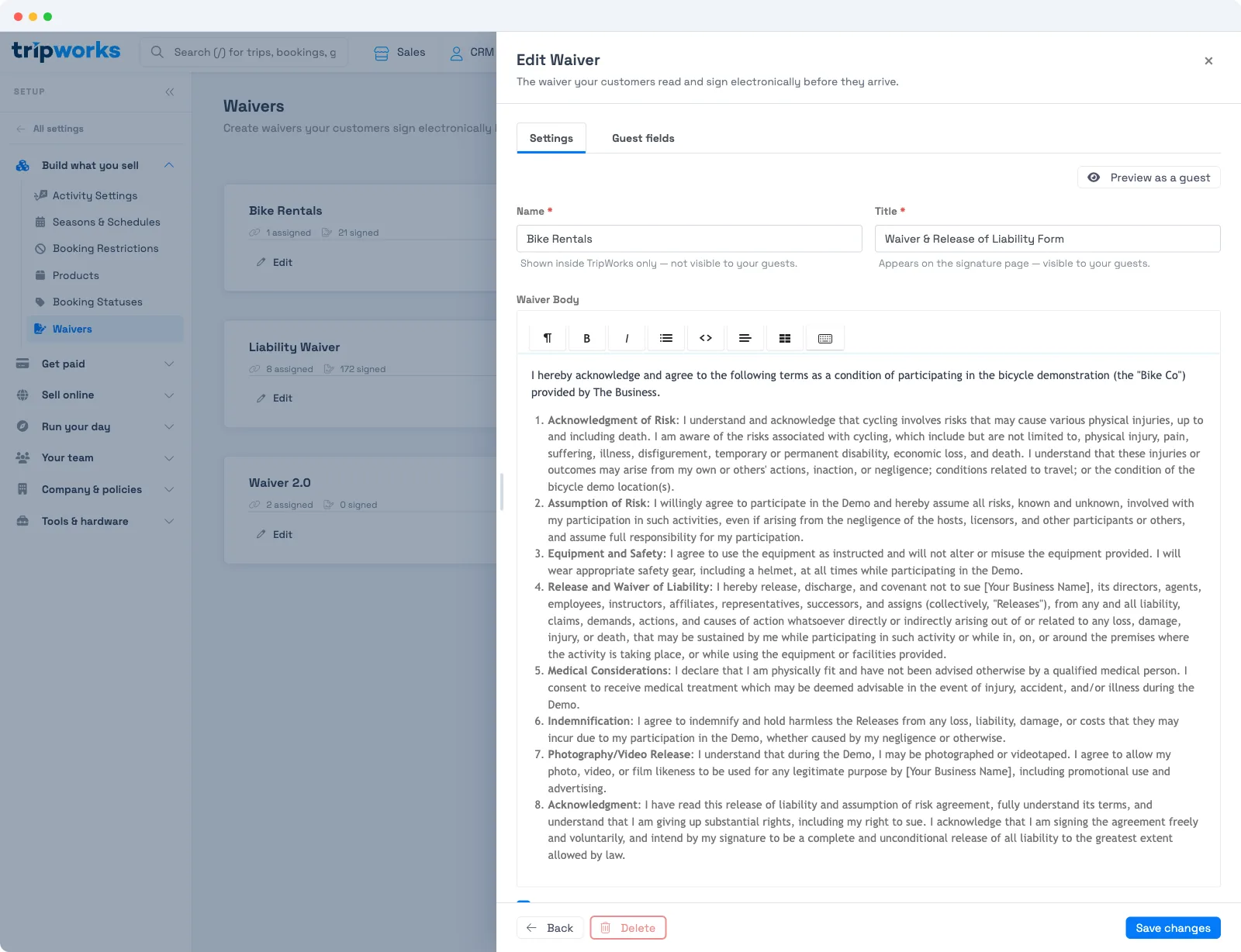
Guest fields for minors
When a signer is a minor, the waiver can collect fields specific to them. Turn these on in the Guest fields tab (see Collect guest data with waivers):
- Date of birth
- Student or passport ID # — a typed number, not a photo or scan
- Relationship to adult / guardian
- Minor must also sign — require the minor's own signature in addition to the guardian's
A guardian completes and signs the waiver on the minor's behalf in the customer portal. When Minor must also sign is on, the minor signs as well.
Assign a separate waiver to the Minor ticket type
The common pattern is one waiver per audience: your general/adult waiver on the Adult ticket type, and a dedicated minor or parental consent waiver on the Minor ticket type. Because you can assign up to three waivers per activity and scope each to specific ticket types, minors and adults each get the right waiver automatically.
For the assignment mechanics — adding waivers to an activity and scoping them to ticket types — see Multiple waivers, additional signers & bulk actions.
The legal wording for both the adult and minor bodies is yours to supply from your insurer or attorney — TripWorks doesn't provide it. See Where can I get a waiver template?.
Frequently asked questions
How do I give minors different waiver text than adults?
In the waiver's Settings tab, turn off Use the same waiver body for adults and minors. A separate minor body appears where you enter the consent language for minors.
What decides whether a signer is a minor?
The Ages setting on the waiver's Settings tab. It checks the date of birth a signer enters, with a minimum age for adults and a minimum and maximum for minors. It doesn't choose which waiver a guest gets.
Who signs a minor's waiver?
A parent or guardian signs on the minor's behalf in the customer portal. Turn on Minor must also sign if you also need the minor's own signature.
Should I use one waiver or a separate minor waiver?
Either works. Use one waiver with a separate minor body when the difference is just the wording. Assign a separate parental consent waiver to the Minor ticket type when you want a distinct document for minors. Each activity supports up to three waivers, scoped to ticket types.
Can an adult and a minor — or several minors — be on one waiver?
Each guest has their own waiver to complete, so waivers aren't merged into a single combined form. But one parent or guardian can sign for the whole family in a single portal session — the adult's own waiver plus each minor's — and everything is tracked per guest.
A guest can't sign for their child, or gets an error — what should I check?
Check that a waiver is assigned to the child's ticket type on the activity, and that the minor's date of birth falls inside the waiver's Ages range for minors. A child booked on a ticket type with no waiver won't have one to sign, and a date of birth outside the range blocks signing with a message on the date field.
Related
- Collect guest data with waivers
- Where can I get a waiver template?
- Multiple waivers, additional signers & bulk actions
Built for attractions, tours & activities
Collect consent for every guest, minors included
See how attractions, tours, and activities collect signed waivers and parental consent before guests arrive on TripWorks. Book a demo and make the switch.