
Forgot your TripWorks password? You can reset it yourself in a couple of minutes — TripWorks emails you a link to set a new one. You don't need an administrator to do it, and no one at TripWorks (or in your company) can see your password.
In this article
Reset your password
- On the login page, select Forgot password?
- Enter the email address on your TripWorks account and select Reset Password.
- Check your inbox for a password reset email from TripWorks and open it. Select Reset My Password.
- Enter a new password, confirm it, and select Reset Password.
- You'll be sent back to the login page — sign in with your new password.
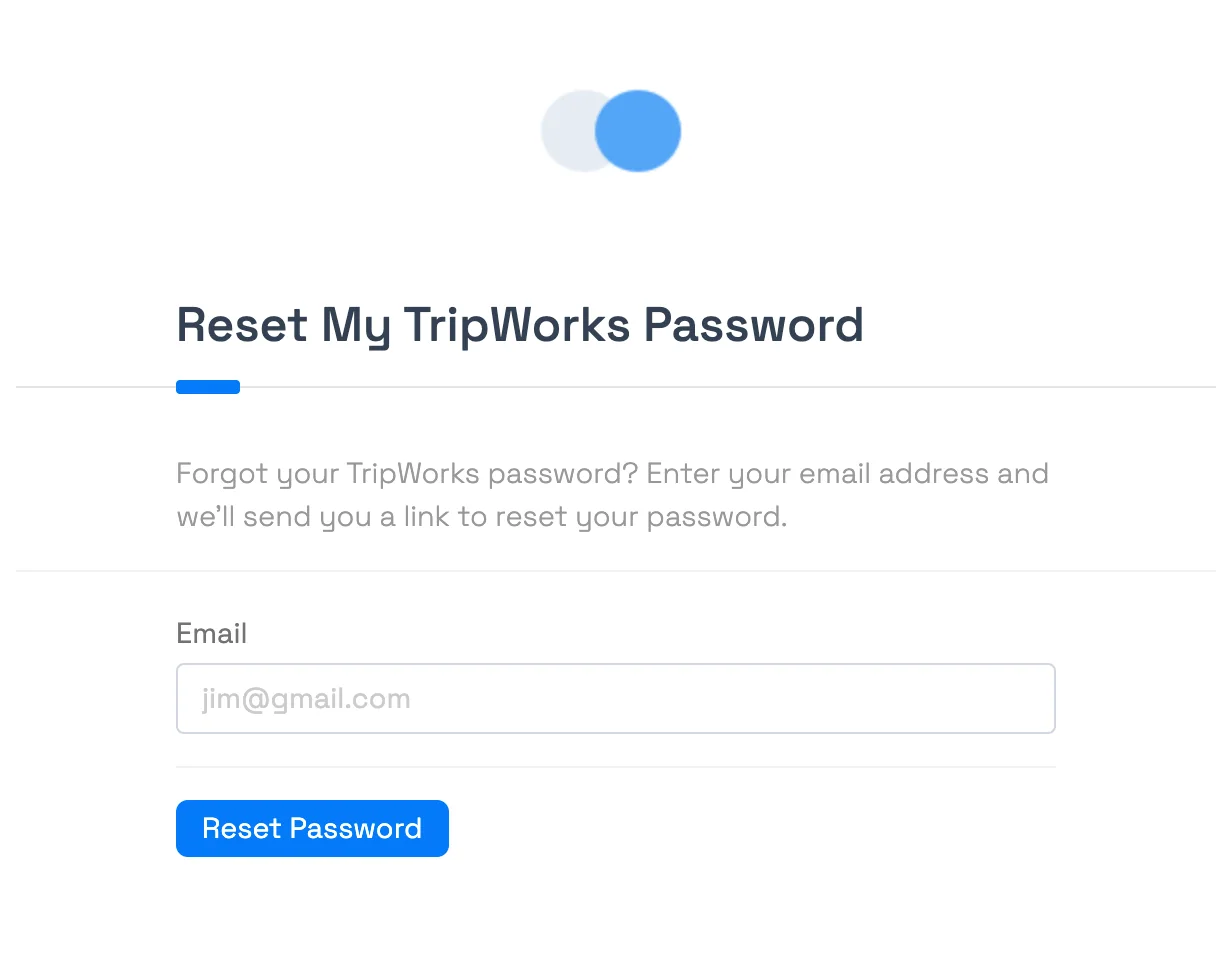
Didn't get the reset email?
This is the most common snag. Work through these in order:
- Check spam and junk. The email comes from TripWorks — search your mailbox for "TripWorks password."
- Use the right email. The reset only works for the exact address your account was created with. If you're not sure which email that is, ask an Owner or admin on your team to check it (they can see it under Team Members — see add and manage team members).
- The link expires. If the email has been sitting for a while, the reset link may no longer work — just request a fresh one from Forgot password? again.
- Still nothing? An Owner or admin can confirm the email on your account or re-send your invitation. They can't set a password for you — only you can, via the email link — but they can make sure it's going to the right address.
Frequently asked questions
I never got the password reset email — what now?
Check spam/junk first, then confirm you used the exact email your account was created with (an admin can verify it under Team Members). If the email is old, the link may have expired — request a new one. If it still doesn't arrive, an admin can confirm your email or re-send your invitation.
Can an administrator reset my password for me?
No — no one can see or set your password, not even TripWorks. You reset it yourself using the emailed link. What an admin can do is confirm the email address on your account or re-send your invitation so the reset goes to the right place.
The reset link says it's expired or invalid.
Reset links are time-limited for security. Go back to the login page, select Forgot password? again, and use the newest email — older links stop working once a new one is requested.
I don't know which email my account uses.
Ask an Owner or administrator on your team — they can look up the email on your account under Team Members. Your login is tied to that address.
Related
Built for attractions, tours & activities
Get your team back in, fast
See how attractions, tours, and activities run bookings, staff, and payments in one place on TripWorks. Book a demo and make the switch.