
If you sell to international guests, your booking widget can present in their language rather than defaulting to English. You control the language the widget loads in, and you can link specific audiences straight into a specific language.
Translate your activities and see the language selector
To translate your activities' names and descriptions into other languages, your account needs multiple languages turned on. This is not a setting you can change yourself. Ask your account manager to turn it on and tell them which languages you want. Until they do, the language selector and language bar do not appear when you edit an activity.
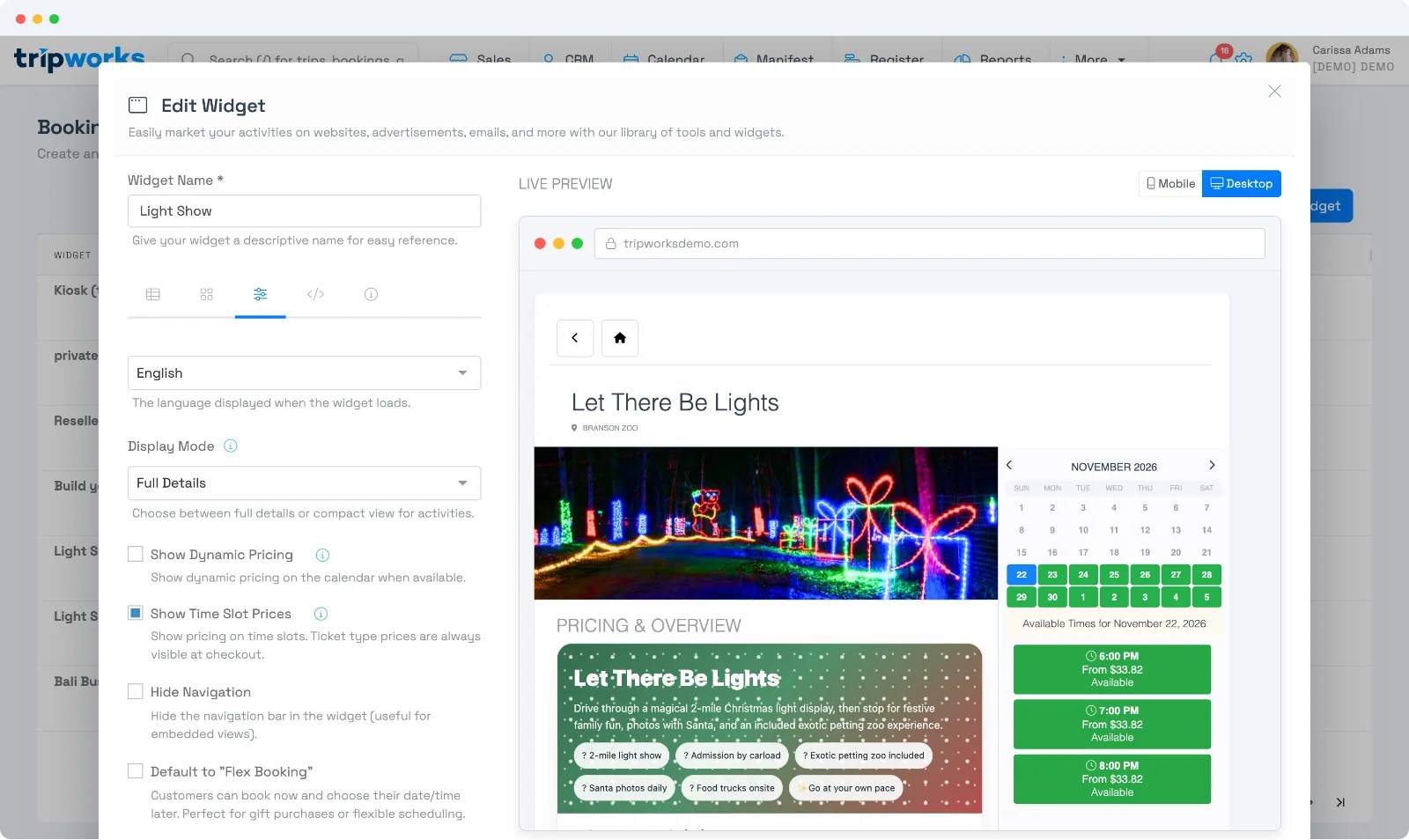
Set the default language
In the widget builder's Advanced settings, choose the default language the widget loads in. Supported languages include English, Spanish, French, German, Italian, and Portuguese.
Link guests to a specific language
Add the language parameter to a widget link to open it in a chosen language — handy for a localized landing page, a translated email, or a region-specific ad:
…/widget/<widget-id>?language=es
See Deep-link your widget with URL parameters for the full list of link parameters.
Frequently asked questions
Why is the language selector missing when I edit an activity?
Multiple languages is not turned on for your account. Ask your account manager to enable it and choose your languages. You cannot turn it on yourself.
Which languages are supported?
English, Spanish, French, German, Italian, and Portuguese are available as the widget's display language.
How do I open the widget in a specific language for one campaign?
Use the language parameter on that campaign's widget link, e.g. ?language=fr. Everything else about the widget stays the same.
Related
Built for attractions, tours & activities
Book guests in their language
See how attractions, tours, and activities sell to international guests with TripWorks. Book a demo and make the switch.